Mon–Sat, 9:00 AM – 8:00 PM

Laptop Still Slow? RAM and SSD Upgrade in North Caloocan
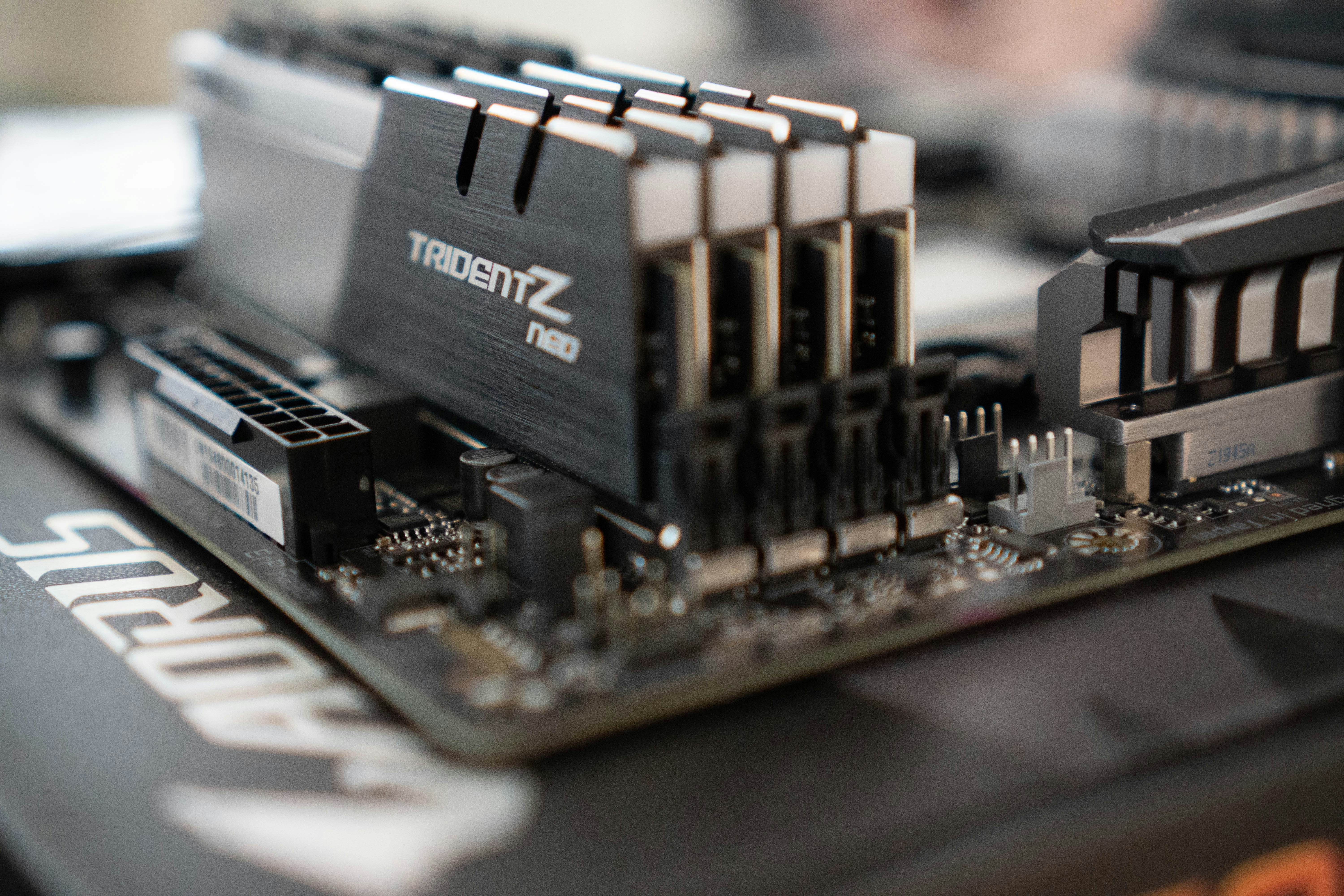
RAM & SSD Upgrade
If your laptop takes 5 minutes to boot and freezes every time you open Chrome, the fix is almost always hardware. Either your storage drive is a spinning hard disk that is simply too slow for today's software, or your RAM cannot keep up with the programs you are running. At Duts Station, we handle RAM and SSD upgrades for laptops and desktops in North Caloocan and nearby areas.
Replacing an HDD with an SSD is the single biggest speed improvement you can make to an older laptop. Boot time drops from several minutes to under 30 seconds. Programs open instantly. The machine feels like new again. A RAM upgrade works differently: more RAM means you can keep more browser tabs open, run more programs at once, and stop the freezing that happens when your system runs out of memory.
We check your device first to confirm which upgrade fits and whether your laptop supports it. For SSD upgrades, we clone your existing drive to the new one so you keep all your files and your Windows installation without reinstalling anything. RAM upgrades require no data transfer and are usually done in under an hour.
Stop replacing a laptop just because it is slow. Book your upgrade today and we will tell you exactly what your machine needs.
Price Range:
₱800 – ₱2,500 (labor only, parts extra)
₱800 – ₱2,500 (labor only, parts extra)
Turnaround Time:
1–2 hours
1–2 hours
What's Included
- Device check to confirm compatible upgrade before any work
- SSD installation with full OS and data migration
- RAM installation and compatibility test
- Post-upgrade performance test
- 30-day warranty on labor
- Old drive returned to you or kept as backup
Frequently Asked Questions
Labor starts at ₱800 for a RAM swap and ₱800–₱1,500 for an SSD upgrade with data migration. The parts (SSD or RAM stick) are priced separately based on the capacity and type your laptop needs. We confirm the full cost before starting anything.
No. We clone your existing hard drive to the new SSD, so your Windows installation, programs, and all your files transfer over exactly as they were. You will not need to reinstall anything.
Bring it in and we will check. Most laptops from 2012 onwards support SSD upgrades, and many have a spare RAM slot. Some newer ultrathin laptops have RAM soldered to the motherboard and cannot be upgraded, but we will tell you that before you pay anything.
It depends on your laptop's interface. SATA SSDs work on older machines, while newer laptops use NVMe (M.2) drives which are even faster. We check your device, confirm which type fits, and recommend a size based on how much storage you currently use.
A RAM upgrade takes 30–60 minutes. An SSD upgrade with data migration takes 1–2 hours depending on how much data needs to be copied. Same-day service is available for most upgrades.
Usually yes, if the rest of the hardware is in good shape. Adding an SSD and more RAM can extend a laptop's usable life by 3–5 years for a fraction of the cost of a replacement. We give you an honest assessment during the check so you can decide.
Book Your RAM & SSD Upgrade Today
Book online in under 60 seconds. We confirm within 2 hours. No downpayment needed.
Book This Service WhatsAppNeed Something Else Fixed?
We fix laptops, PCs, phones, and more. Drop-off at our shop or get remote support. Same-day slots available.
Fast, reliable tech repair based in North Caloocan, serving Quezon City and nearby areas. • Free diagnosis• Same-day service• By appointment only